Water damage, assessed

Photo in. Price range out.

Work · Home services · Drop
WaterDamageIQ
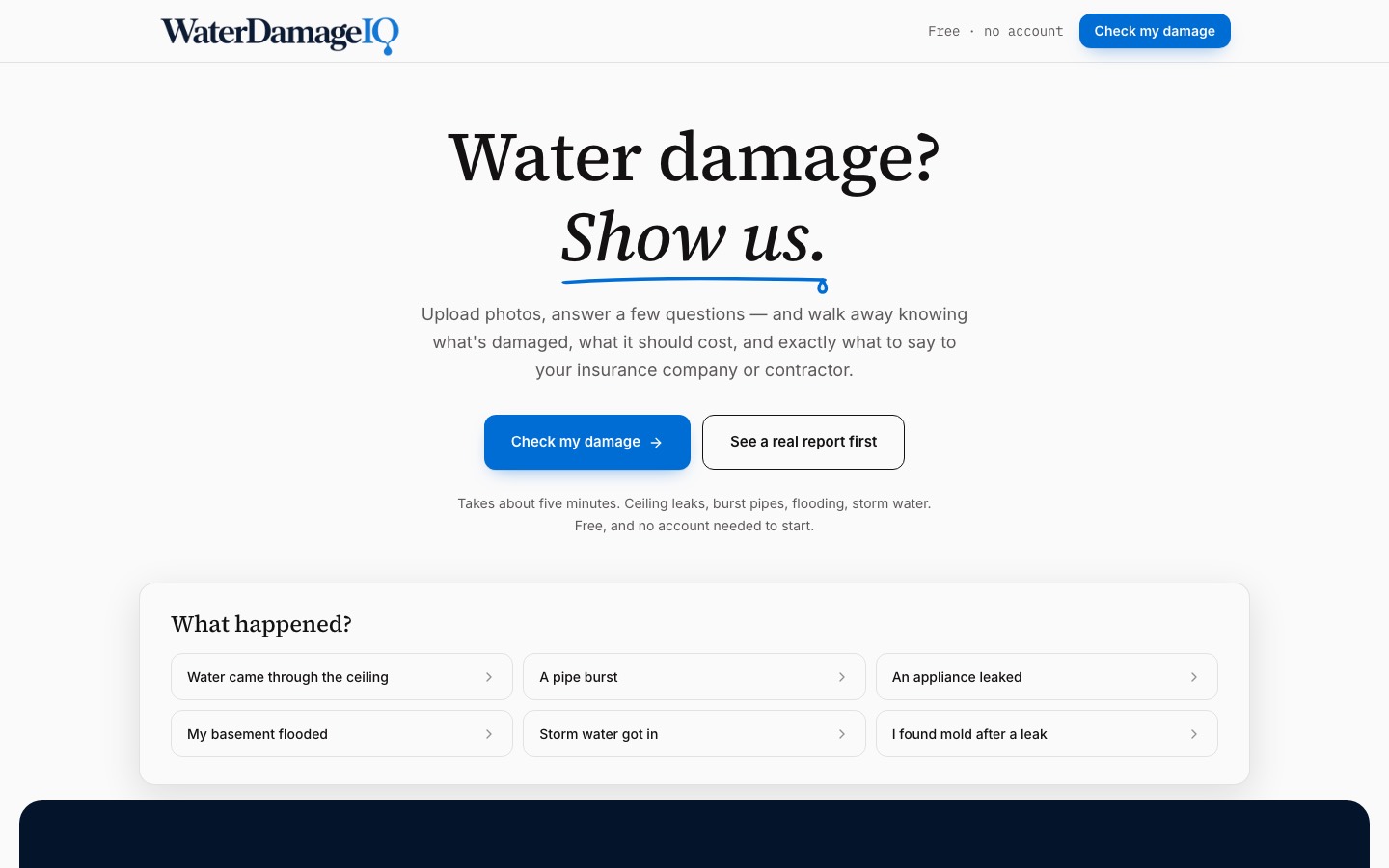
A homeowner shows the damage. The report comes back with what it is and what it should cost.
Work · Home services · Drop
WaterDamageIQ
A homeowner shows the damage. The report comes back with what it is and what it should cost.
Scroll to open
Chapter 01
Show it. Get the range.
A homeowner uploads photos and answers a short interview that adapts to what they say. The report separates what the photos show from what that suggests, gives a cost range, and is timestamped so it can be shared.
A real report, shared with permission
Chapter 02
The model never names a price.
The language model describes the damage. Every dollar figure comes from pricing code, so the same inputs always give the same range.
- 01
Photos
The homeowner shows the damage.
- 02
Interview
The questions adapt to the answers.
- 03
Observation
What the photos actually show.
- 04
Inference
What that likely means, labeled as such.
- 05
Range
Priced by code, never by the model.
- 06
Report
Timestamped and shareable.
Chapter 03
The whole site.
Chapter 04
Drop runs the site, the directory and the outreach.
Drop is WaterDamageIQ's own agent. It writes the field notes, keeps the contractor directory current and runs outreach to restoration pros, inside rules written into the repo.
- 01The model never writes a dollar figure.
- 02Observation and inference stay separate.
- 03A deleted photo is deleted for good.
- 04Tell pros how routing works, who saw a lead, and why.
Turn a bad day into a clear next step.